Up to 250 MBper batch upload
Professional quality enhancement
Professional batch photo enhancement for low-resolution images.
Improve hundreds of blurry, noisy, compressed or low-resolution photos in one job. Upload a ZIP, review a recommended mode for every file and download organized high-resolution results.
- Original filenames preserved
- Quality, retouch or Pro per photo
- One ZIP export with report
- Commercial use included
Up to 500 photosin one upload
10free credits for new accounts
Create an account, test the enhancement workflow and keep every result in My Archive.
Batch workspace
Prepare your enhancement job
1
UploadZIP or images
2
AnalyzePer-file advice
3
ReviewConfirm modes
4
Process & exportEnhance + download
Temporary uploads are automatically deleted after 2 hours.
| File | Analysis | Recommended mode | Status |
|---|
Built for high-volume delivery
Keep original filenames and folder paths while enhancing an entire client set in one production job.
A mode for every image
The analyzer checks resolution, compression, blur and faces, then recommends Quality, Auto retouch or Pro.
Predictable production
Review credit cost before processing and receive an Excel-compatible report with every result and exception.
Batch capacity
Enhance large image collections in one organized job
Upload a ZIP or individual files. Logowski accepts up to 500 images and 250 MB in one batch while preserving filenames for the final export.
Enhancement examples
Real low-quality photos improved through the Logowski API
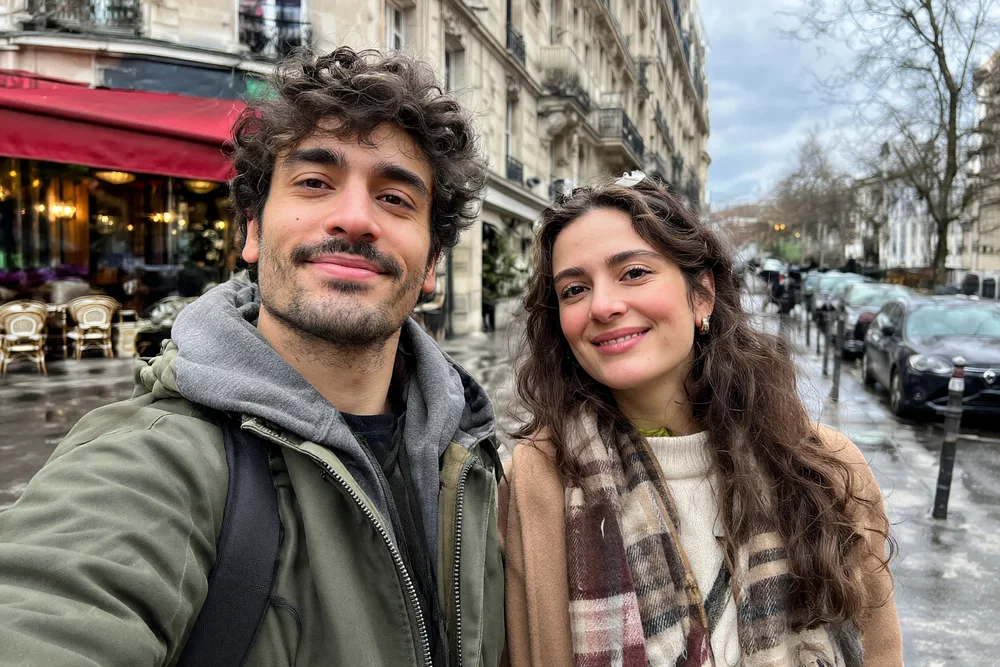
The “Before” files are deliberately degraded. Every “Result” shown here was processed by the same enhancement workflow available in the tool.
 Before
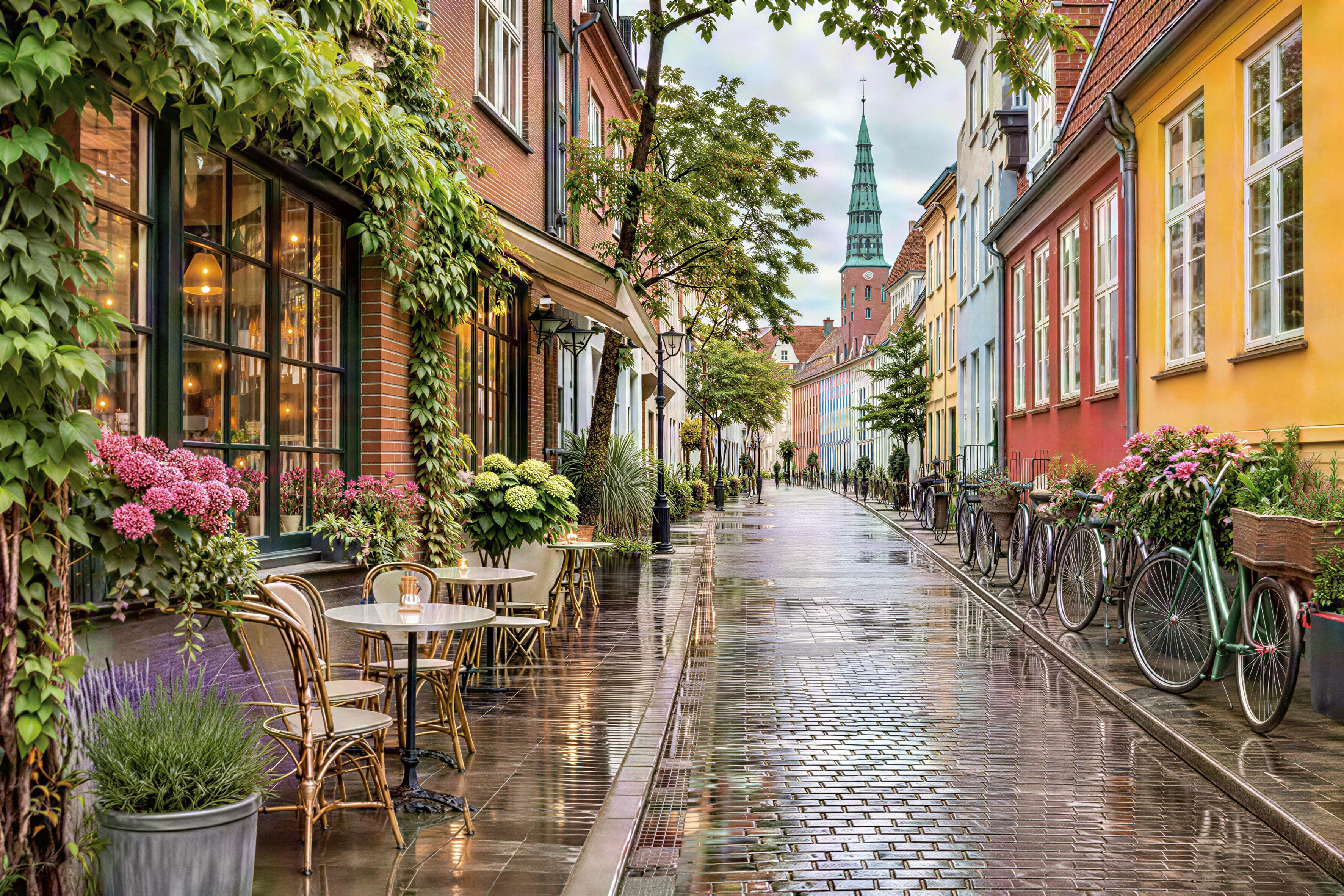 Result
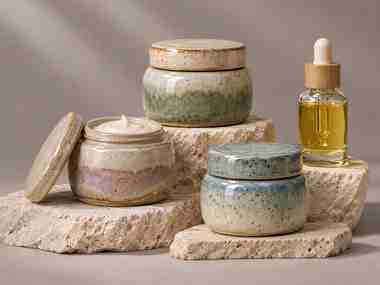 Before
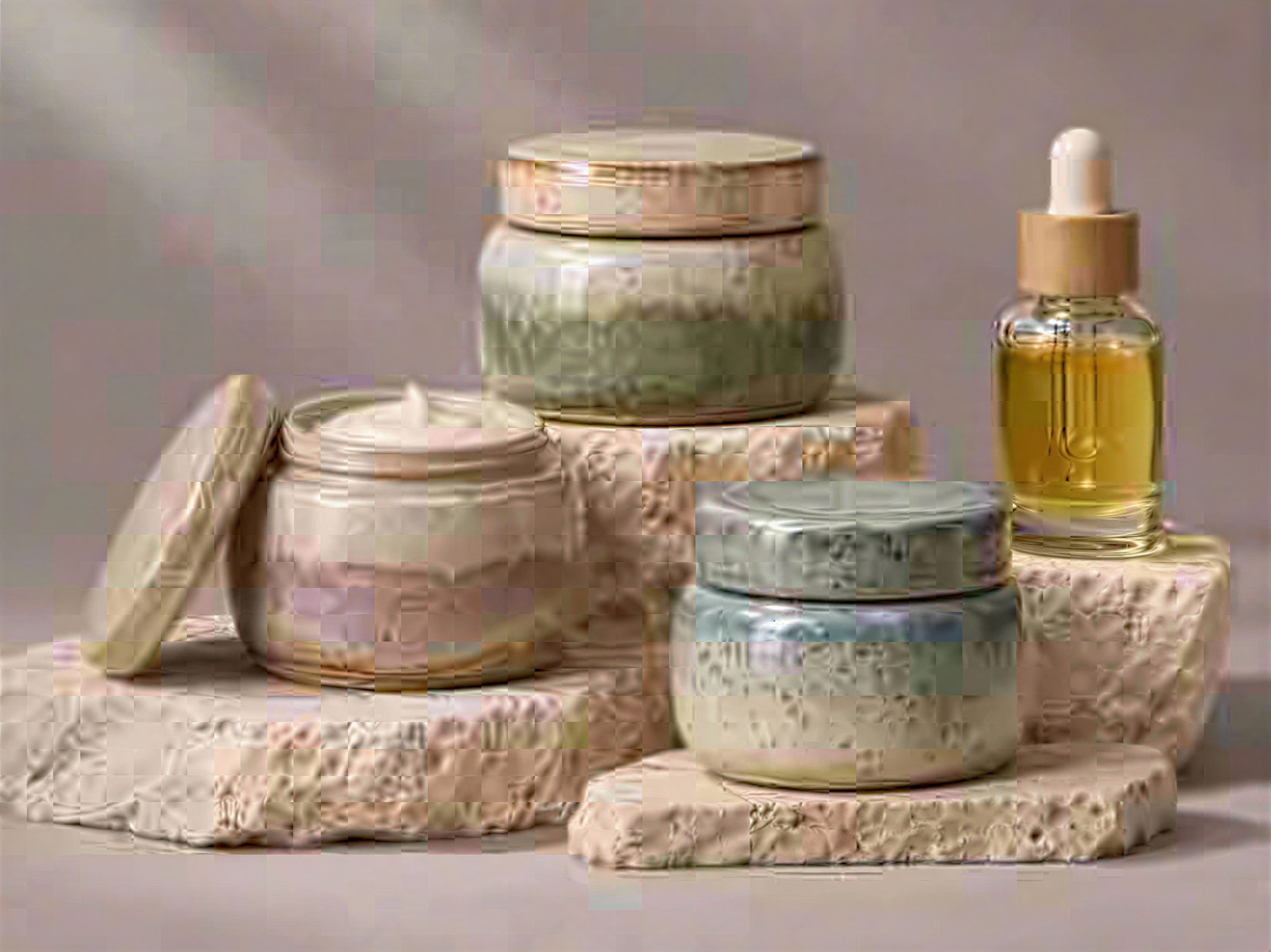 Result
Modern photo enhancement
Not only old photos: recover detail in everyday digital images
These examples use deliberately degraded modern files. Every image marked “Result” is an actual result produced by Logowski.
Low-resolution recovery
Reduce pixelation and compression artifacts while recovering clearer faces, clothing and background detail.
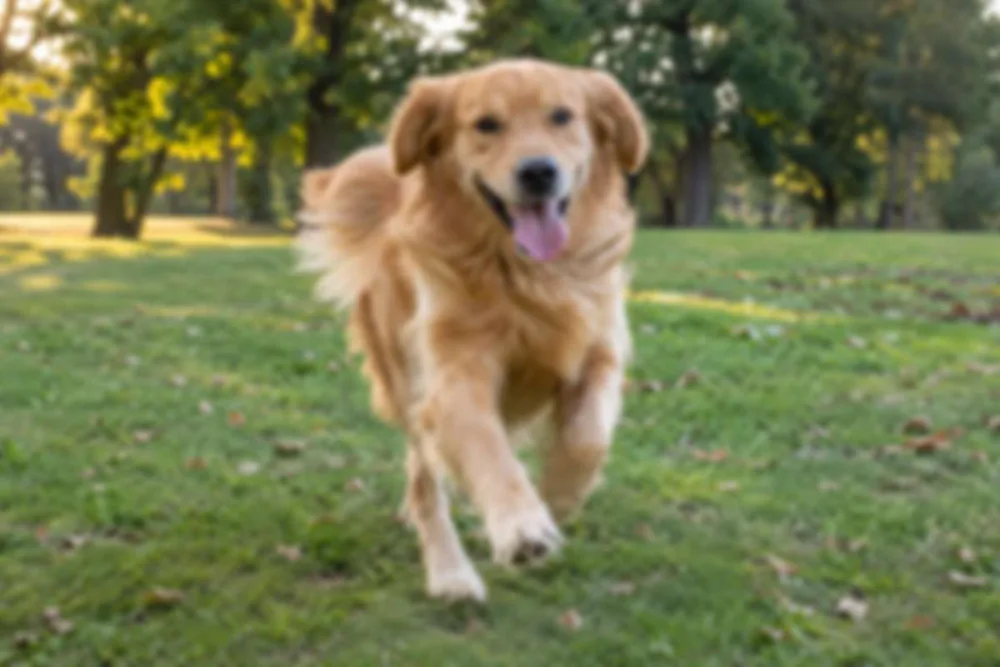
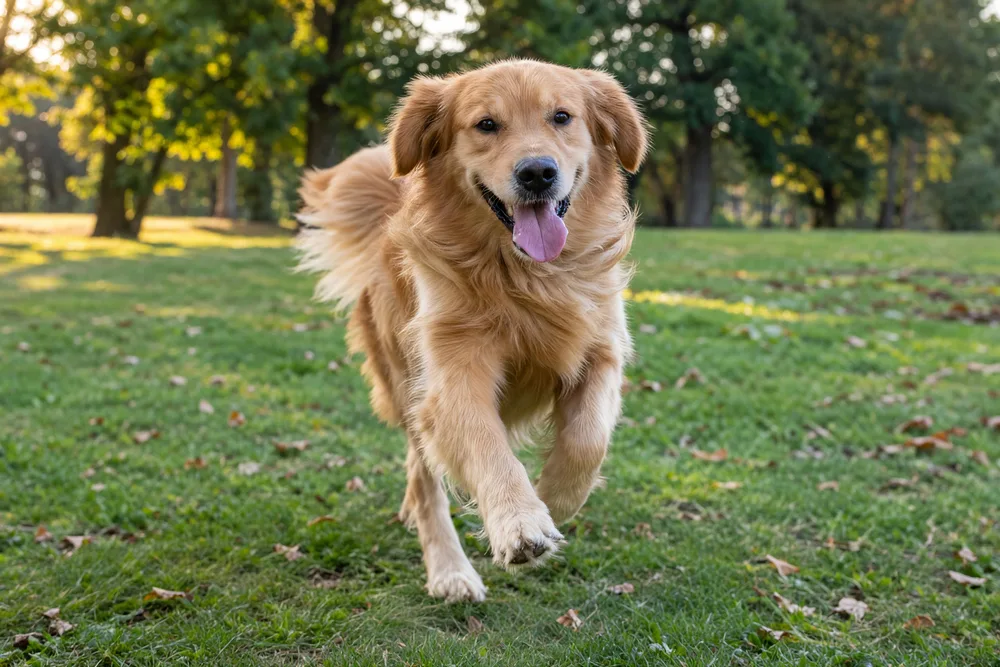
Motion blur correction
Recover a more usable action shot with clearer eyes, fur and scene detail while keeping the original moment.
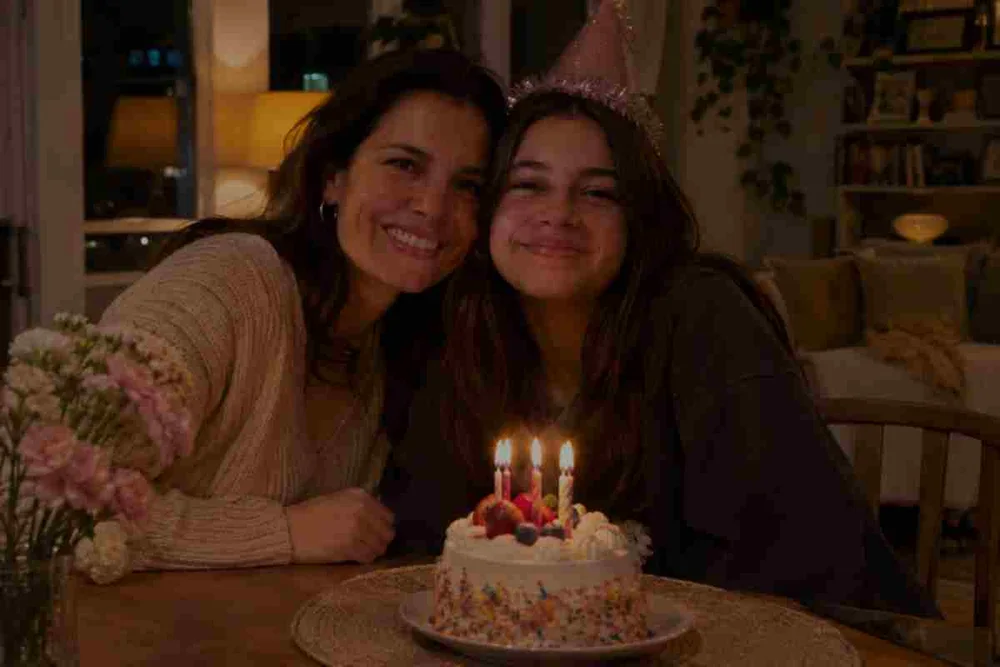
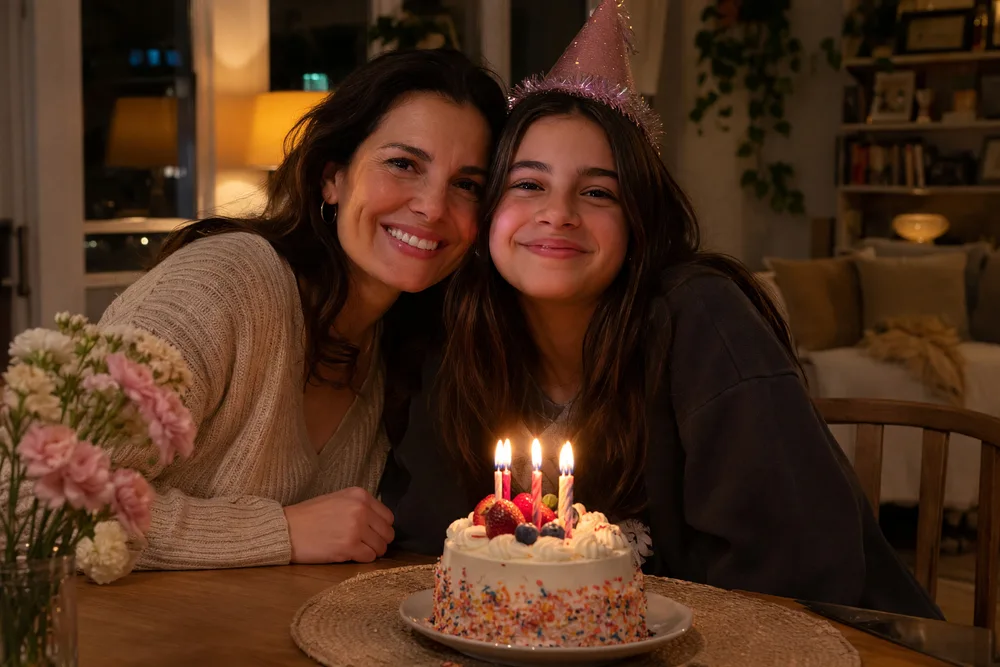
Noise and JPEG cleanup
Clean heavy compression, improve exposure and recover natural detail in difficult indoor smartphone photos.
One batch, many quality problems
Improve the defects found in everyday digital image collections
Low resolution
Upscale small images for larger screens and print while preserving proportions and natural texture.
Weak color and contrast
Improve color balance, exposure and contrast without changing the original scene.
JPEG compression
Reduce blocking, halos and ringing around edges in repeatedly compressed files.
Slightly soft portraits
Recover clearer facial detail while protecting identity, expression, age and pose.
Motion blur and missed focus
Route difficult blur to Pro enhancement when ordinary sharpening is not enough.
Noise and low light
Clean distracting noise and improve clarity in compressed indoor and smartphone photographs.
A clear production flow
How to enhance a large image collection
Upload the complete batch
Send individual images or one ZIP containing nested folders. No need to flatten your archive first.
Review smart recommendations
The analyzer checks resolution, compression, blur and people, then recommends Quality, Auto retouch or Pro enhancement.
Process and download
Track every file, retry exceptions and download individual results or one organized ZIP with a CSV report.
Built for volume
Who uses batch photo enhancement?
Professional delivery needs more than a one-photo editor. Logowski is designed for repeatable jobs where names, folders, quality and exceptions matter.
Photo labs and scanning services
Prepare customer albums after digitization without manually opening every scan.
Ecommerce and content teams
Improve mixed supplier images in bulk before publishing product pages, catalogs or campaigns.
Real-estate and hospitality teams
Prepare older listing photography for modern websites without opening each file manually.
Photographers and retouchers
Automate routine cleanup, then reserve manual retouching for the images that truly need it.
Archive-friendly input
Upload modern files and legacy scans together
Mix common web images, high-quality scans and iPhone formats in one workflow. Compatible files inside ZIP folders are discovered automatically.
- JPEG
- PNG
- TIFF
- WebP
- HEIC / HEIF
- AVIF
- BMP
- GIF
Human control where it matters
One recommended mode per image — never one blind filter for every file
A ZIP may contain portraits, landscapes, tiny JPEGs and already sharp images. The free analysis stage identifies different needs before paid processing begins.
- Change the suggested mode for any file
- Choose 4K or 8K Pro output where needed
- Flag difficult results for manual review
- Retry failed files without rebuilding the batch
Production-ready delivery
Finish with an organized archive, not a folder of anonymous downloads
Preserve source filenames and nested folder paths wherever possible.
Download one enhanced image immediately or collect the completed job as a ZIP.
See the status, chosen mode and result for each source file in the batch.
Select enhanced output for files intended for larger digital displays or print workflows.
Faithful enhancement
Improve usable detail without treating every image with the same filter
Enhancement can reconstruct detail that is weak or missing in the source. Review faces, text and evidence-sensitive content before publication, especially after strong blur correction.
Logowski keeps the original file separate from the processed result, so your source collection remains the point of reference.
Questions, answered
Batch photo enhancement FAQ
Can I upload a ZIP archive with hundreds of images?
Yes. Upload a ZIP or individual image files. Compatible images are collected from nested folders, and their organization is retained for export.
Does every photo receive the same enhancement?
No. The analyzer recommends a treatment per file. You can review and change each recommendation before starting processing.
Which file formats are supported?
JPEG, PNG, WebP, BMP, TIFF, AVIF, GIF and HEIC or HEIF are accepted. Images can be uploaded directly or inside a ZIP archive.
Which enhancement modes are available?
Quality enhancement upscales clear low-resolution files, Auto retouch improves color and sharpness, and Pro combines retouching with 4K or 8K output.
Can the service improve blur or missed focus?
Yes. The analyzer can route difficult files to Pro enhancement. Very severe blur can require review because missing detail must be reconstructed.
Can I download files individually and as a ZIP?
Yes. Download individual completed files or export the whole batch as an organized ZIP with a CSV report.
Is the original archive overwritten?
No. Processing creates new result files. Keep your original scans as the archival reference.
What happens if one image fails?
The file is marked in the job report so it can be retried without restarting successful items.
Turn one ZIP into a reviewed enhancement job
Upload your archive and inspect recommendations without registration. Sign in only when you are ready to process the images.
Analyze your first batch